


For today’s blogging, video has become a necessary part if you want to raise your blog to the highest level. After all, technology which demanded tiresome work and knowledge, has now become a lot easier to handel. A lot of video editing tools are now on the market, both free and paid, and it's hard for the user to pick the right ones. And hence the reason for writing this article.
In this article, you can find top 5 free tools for video editing. These are my picks:
Cinelerra
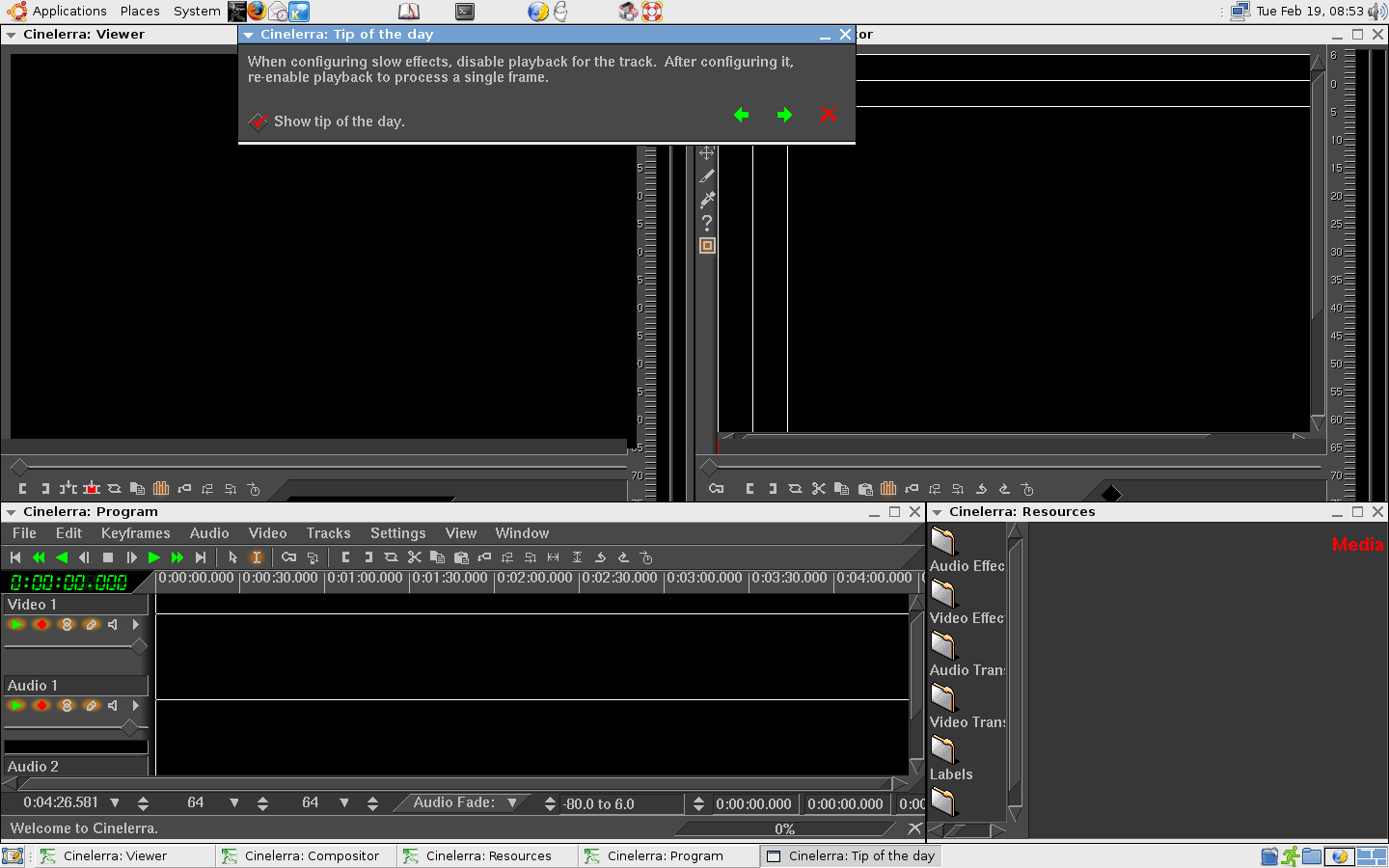
This tool for video editing is for Linux users. It allows editing videos without previous experience. Cinelerra is written in C++ and it features are very strong and simplified with UI that this tool has. It is compatible with more or less every Linux distribution. This video editing tool can be very useful with sections that will help you to do your job tidily: Viewer, Compositor, Timeline and Resource Window.
Pitivi
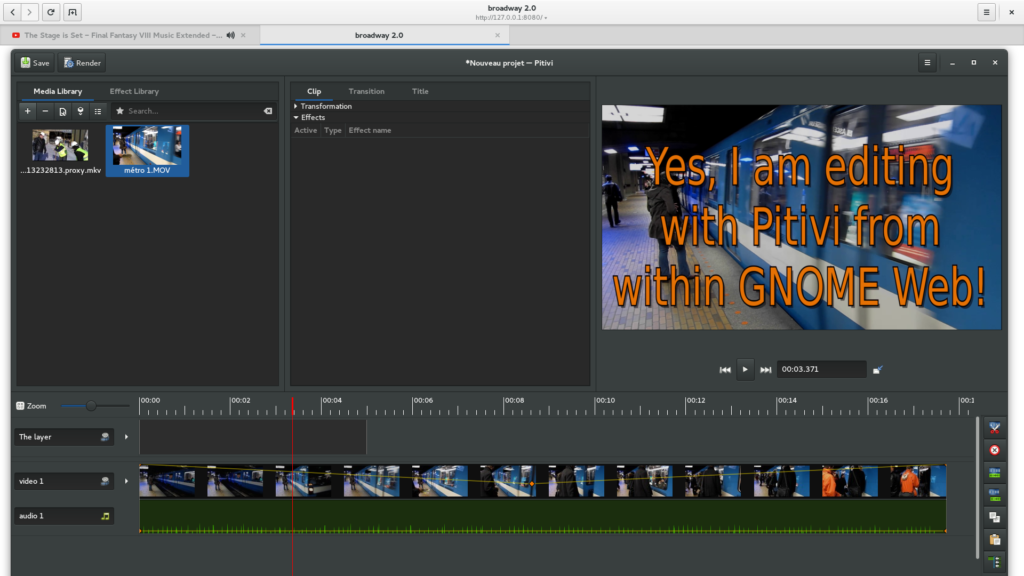
Another tool prepared for Linux is an open-source platform for video editing. Pitivi offers an intuitive UI that can make it become your favorite in a blink of the eye. This video editing tool has enough functions for all users and some of them are effects and filters, simple and effective editing capabilities, precision based editing, Multilanguage…
Kdenlive
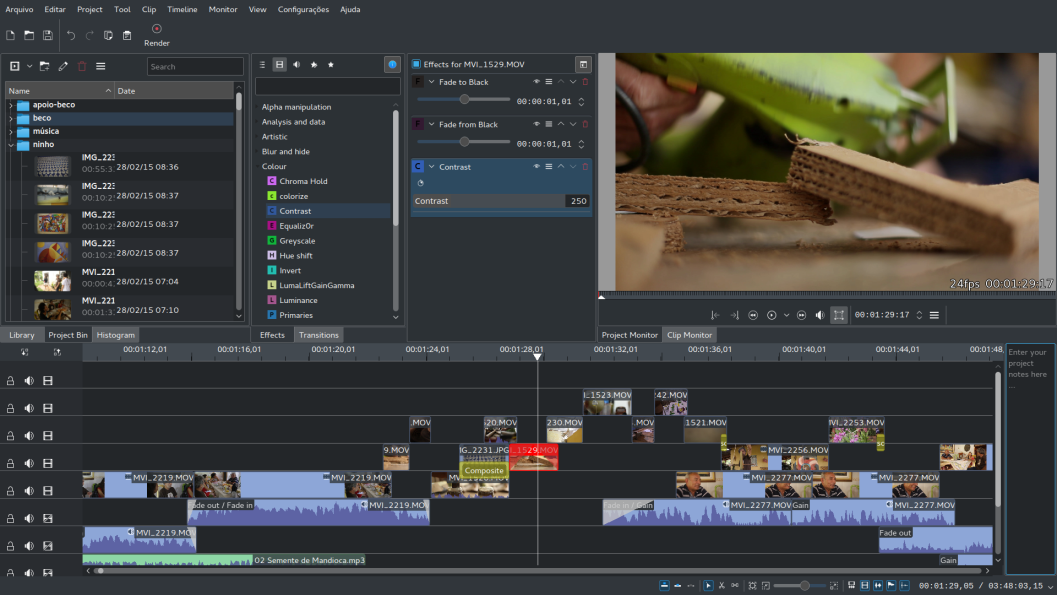
This tool is created on MLT Framework and is a perfect solution for open-source video editing. It comes in versions for Mac OS X, FreeBSD and Linux. Kdenlive offers amazing functions that are remarkable when it comes to preparation of amazing video results. This tool also has features like rendering, multi-track editing…
ivsEdits
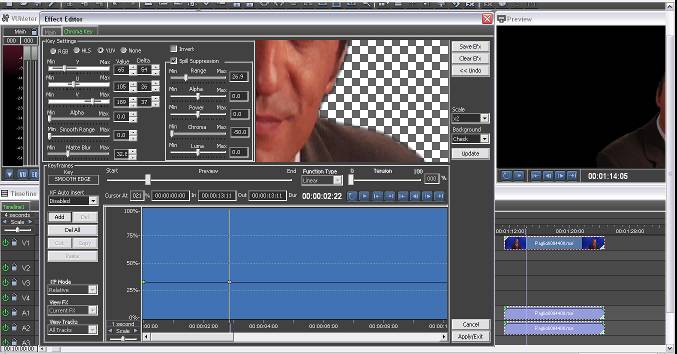
This video editing tool is probably the best free one on market for Windows users. It can be the finer choice you can make. ivsEdits have very simple UI which can impress every user. Some features of this tool are multi-camera editing, multiple live inputs, hardware integration, a lot of different video effects, the real-time video I/O…
Windows Movie Maker

If you don’t want to use much of system resources this video editing tool will be just handy for you. Windows Movie Maker has super-simple User Interface which will help the user to add transitions, setup audio, and export video in some of Windows compatible formats. Simpler can’t be.
Did you like this article? We are preparing more articles like this one in the future. Add to MyBrain if you want to be notified about upcoming articles.
If you know of any better tools, please leave your comments below.
Follow me on Twitter @SrdjanKali
Share the News