GLBrain Content
Content can be created on various levels ranging from Global and Local Opinions (Glopinion / Lopinion) to Articles, movements (GLOMO), and Polls (GLOVO). They are structured geographically for every country and at a global level, and by color,brain, and Categories, offering information on all related subjects in a structured way.
In each geography, the Green Brain deals with issues related to ecology, resources, energy, food, personal wellbeing and health, the Red Brain deals with issues related to Business, Politics, Lobbies, Finances, and Commercial Issues, and the Blue Brain deals with issues related to Society, Human Rights, Art & Culture, and Sports & Lifestyle.
Opinions
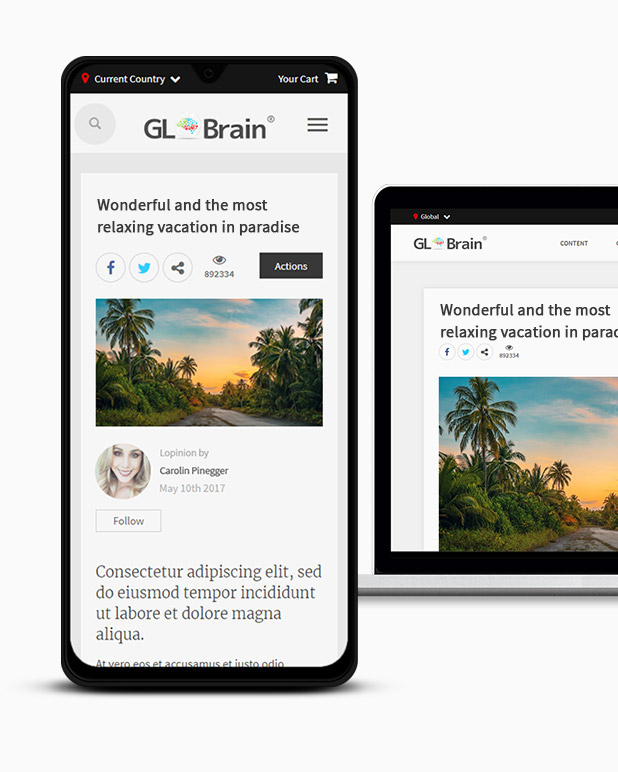
An Opinion is the basic form of showing internet content on the GLBrain network. Global Opinions address and present certain topics on a global level, meaning more than one country. Local Opinions address and show certain topics at the country level. Opinions should normally be written in English. Local Opinions may be written in the language of the country concerned. Creation is free and easy and can be done under the full guidance of the tooltips. The creation form can be accessed from the main menu of the registered user's profile page. Each opinion belongs to one country or the global level and to one of the categories in one of the 3 Brains (Green, Red or Blue). Each category is represented by a colored icon. Clicking a colored brain or icon will let browse all GLBrain content belonging to this brain or icon.
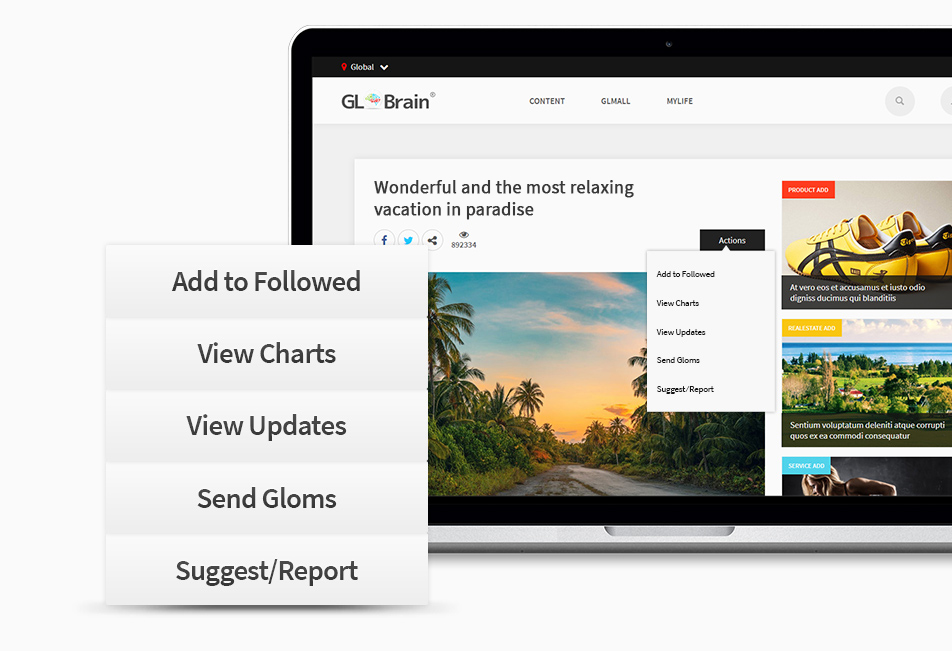
Actions
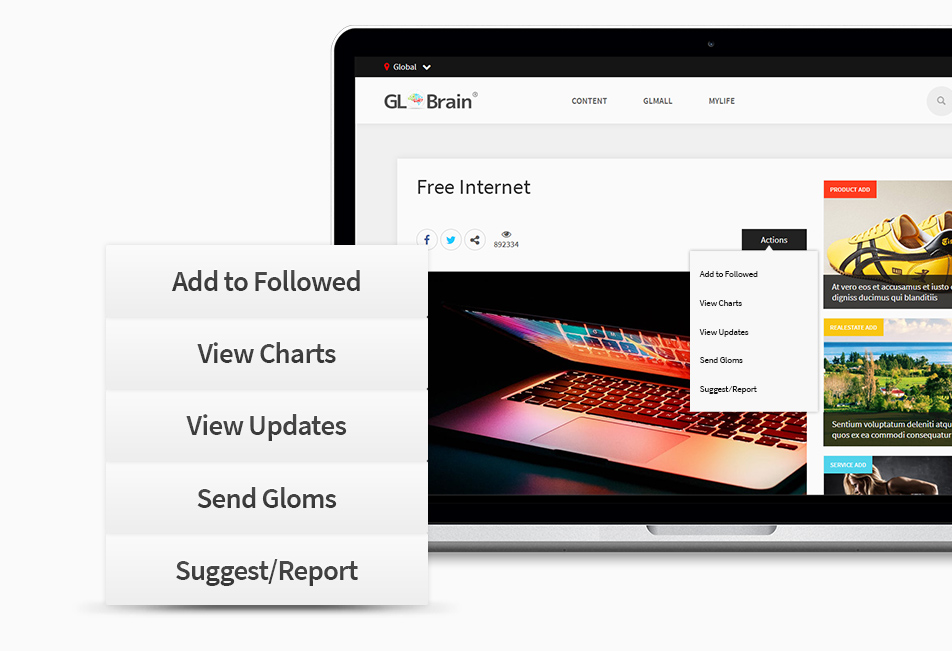
By activating "Add to Followed," the user will be notified of any future developments regarding the added item. Activating "View Updates" will show any updates done on the Opinion. The "Suggest/Report" allows you to make direct suggestions to the creator or report content.
Related Content
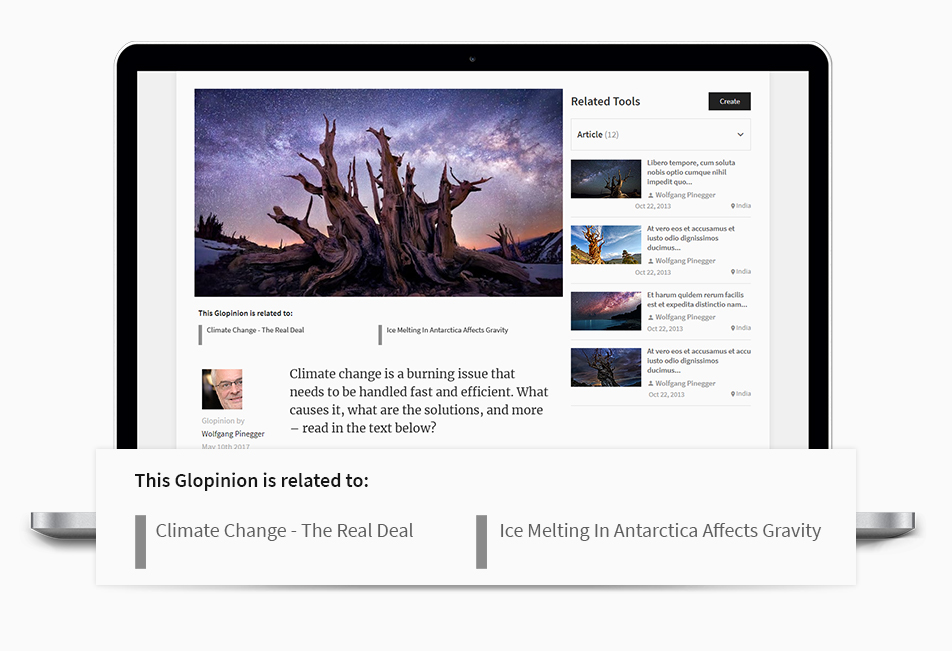
Users can create and add Related Content to an existing Opinion:
Share
Any content can be shared via GLFeed, all major social networks, email or the GLBrain messaging system.
Comments
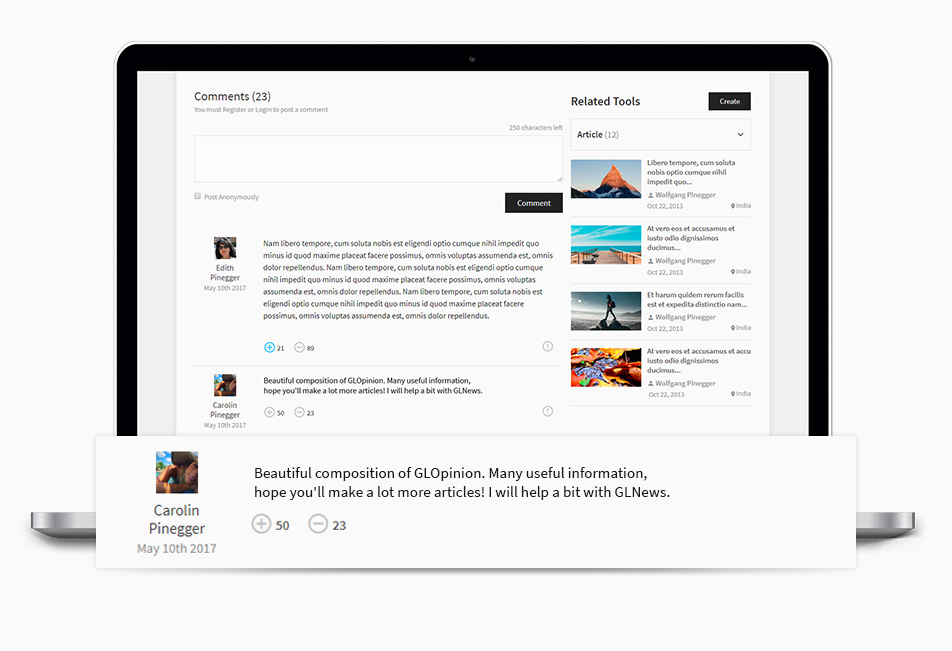
Registered users can post comments. Comments can be rated positively or negatively and, if wanted also the Suggest & Report tool may be used.
Article
Articles are easy to create additional information and content related to specific Opinions. It cannot be created independently as it automatically belongs to the selected parent content. Creation is easy and can be done under the full guidance of the tooltips at any step of entering data in the creation form. The creation form can be entered from the related content page with the Create Article function only. Being automatically attached to a parent content, each article belongs to the same categories as the content it relates to.
Actions
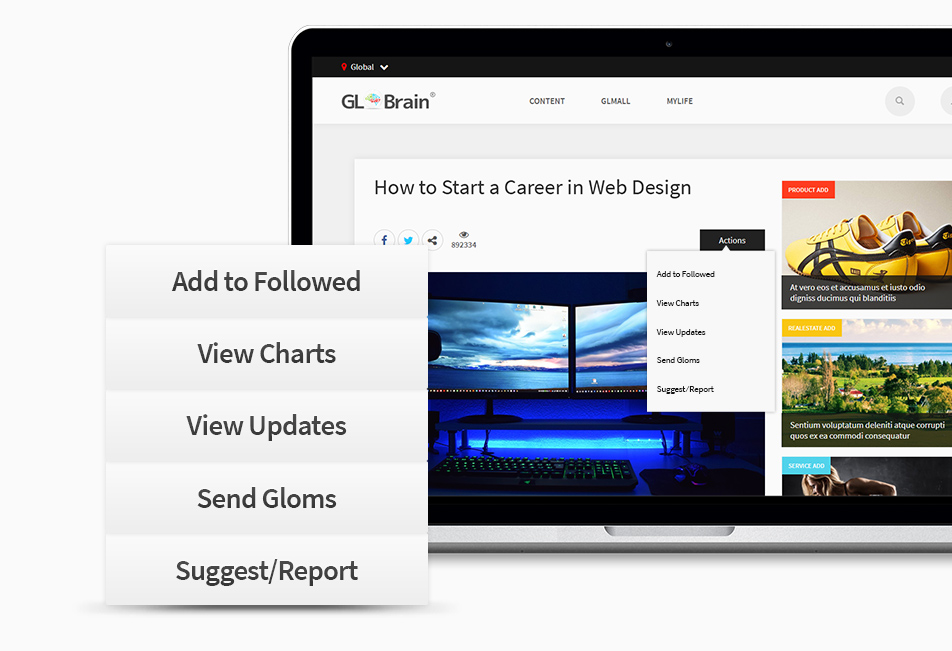
By activating "Add to Followed," the user will be notified of any future developments regarding the added Opinion. Activating "View Updates" will show any updates made to the Opinion. The "Suggest/Report" allows you to make direct suggestions to the creator or report content.
Related Content
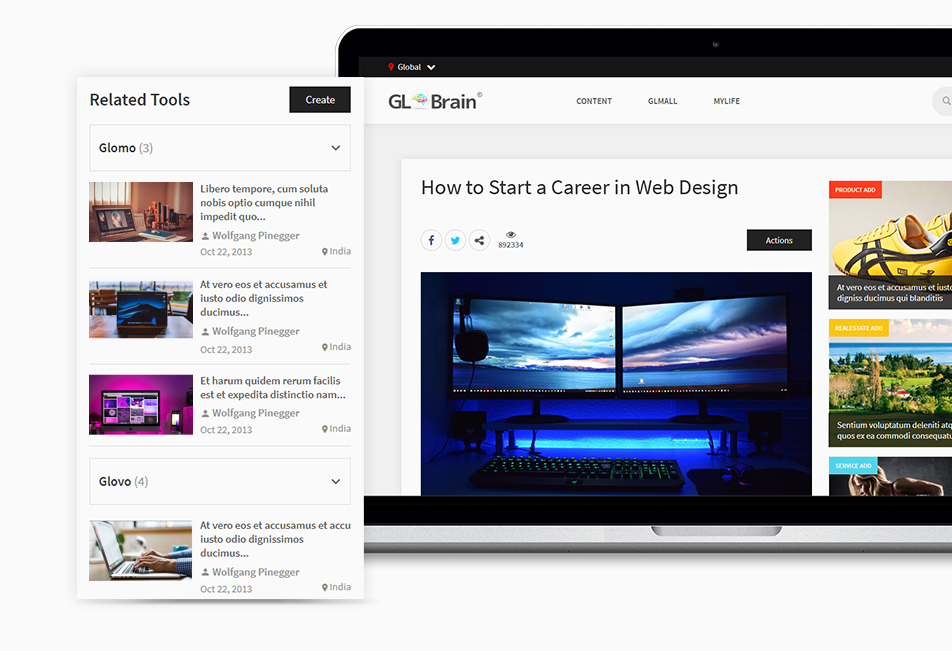
Users can create and add Related Content to an existing Article:
Share
Any content can be shared via GLFeed, all major social networks, email or the GLBrain messaging system.
Comments
Registered users can post comments. Comments can be rated positively or negatively and, if wanted also the Suggest & Report tool may be used.
GloMo
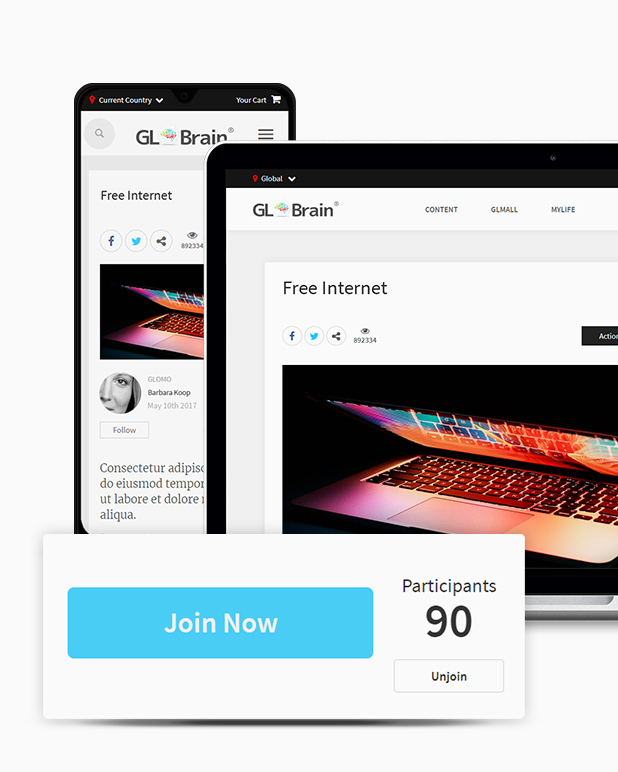
A GloMo is a Global Movement gathered around a goal proclaimed by the author. It can be joined or created to lead a movement. This way, interested users can join selected subjects. The creator can inform and update the users once they have joined, been added, and activated the related action. It cannot be created independently, as it automatically belongs to a parent content. Creation is easy and can be done under the full guidance of the tooltips at any step of entering data in the creation form. The Creation Form can be accessed from the related content page using the Create GloMo function only.
Actions
By activating the "Add to Followed" the user will be notified of any future development regarding the added Opinion (e.g. new Related Opinion or GloMo attached to it). Activating the "View Updates" will show any update done on the GloMo. The "Suggest/Report" allows to make direct suggestions to the creator or report content.
Related Content
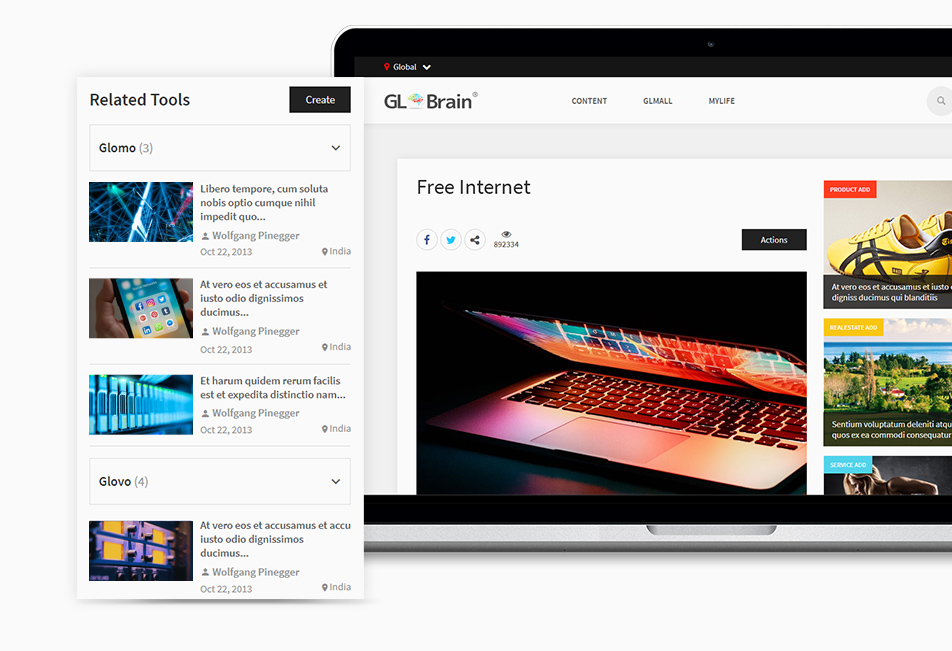
Users can create and add Related Content to an existing GloMo:
Share
Any content can be shared via GLFeed, all major social networks, email or the GLBrain messaging system.
Comments
Registered users can post comments. Comments can be rated positively or negatively and, if wanted also the Suggest & Report tool may be used.
GloVo
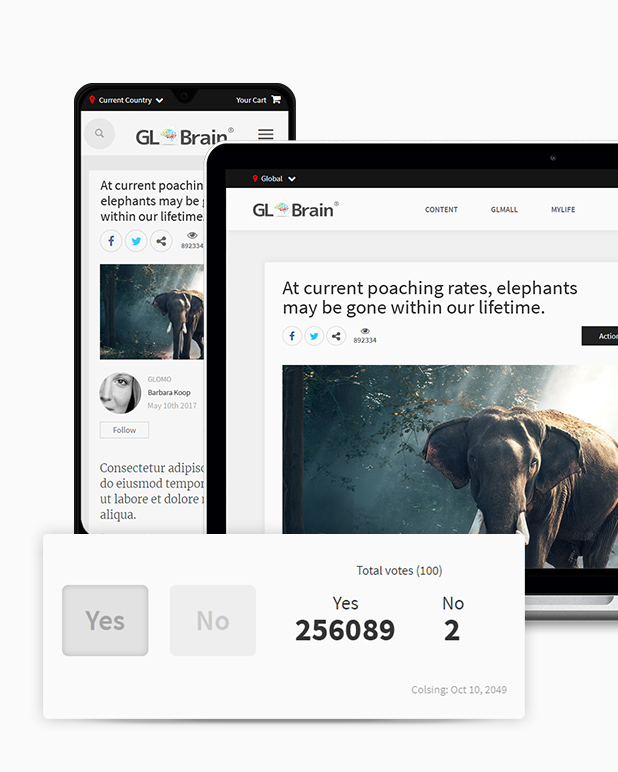
A GloVo is a Global Voting, a ballot to cast votes on specific questions suggested by the author, bound by a time limit. It cannot be created independently, as it automatically belongs to the parent content. Creation is easy and can be done under the full guidance of the tooltips at any step of entering data in the creation form. The Creation Form can be accessed from the related content page using the Create GloVo function only.
Actions
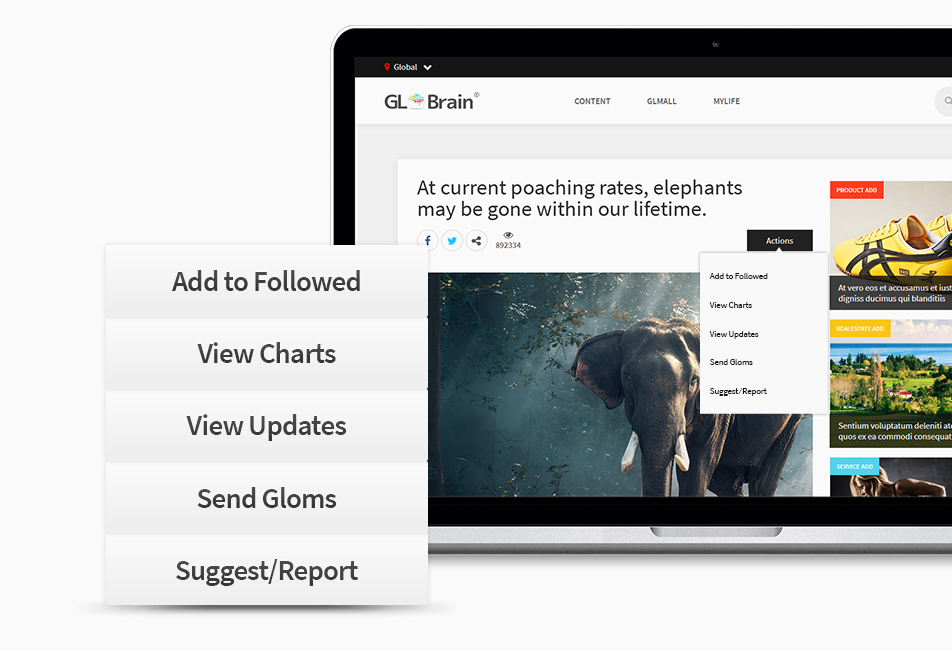
By activating the "Add to Followed" the user will be notified of any future development regarding the added Opinion attached to it. Activating the “View Updates” will show any update done on the GloVo. The "Suggest/Report" allows to make direct suggestions to the creator or report content.
Related Content
Users can create and add Related Content to an existing GloVo:
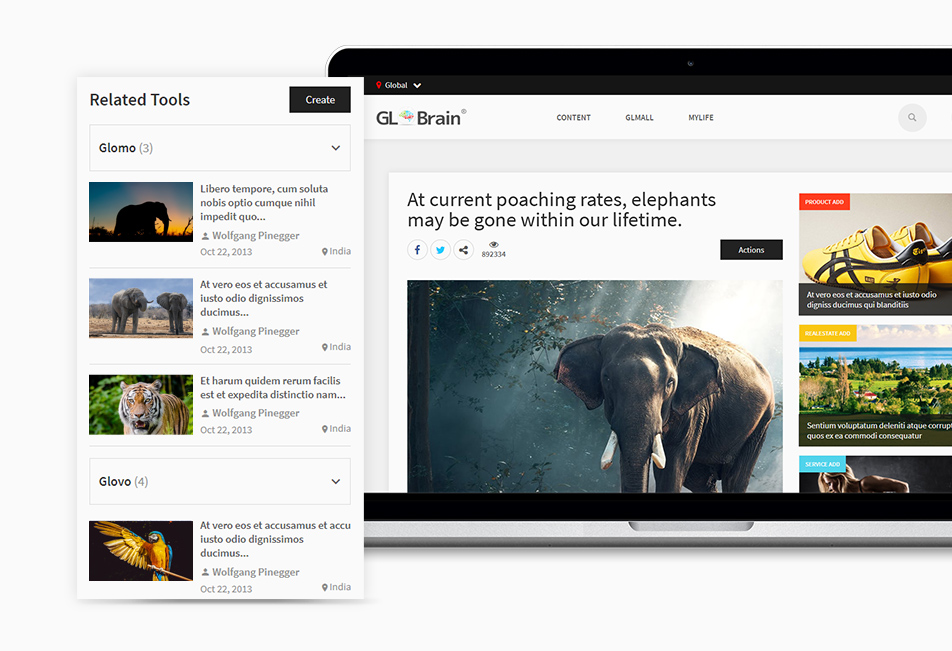
Share
Any content can be shared via GLFeed, all major social networks, email or the GLBrain messaging system.
Comments
Registered users can post comments. Comments can be rated positively or negatively and, if wanted also the Suggest & Report tool may be used.
GLNews and Videos
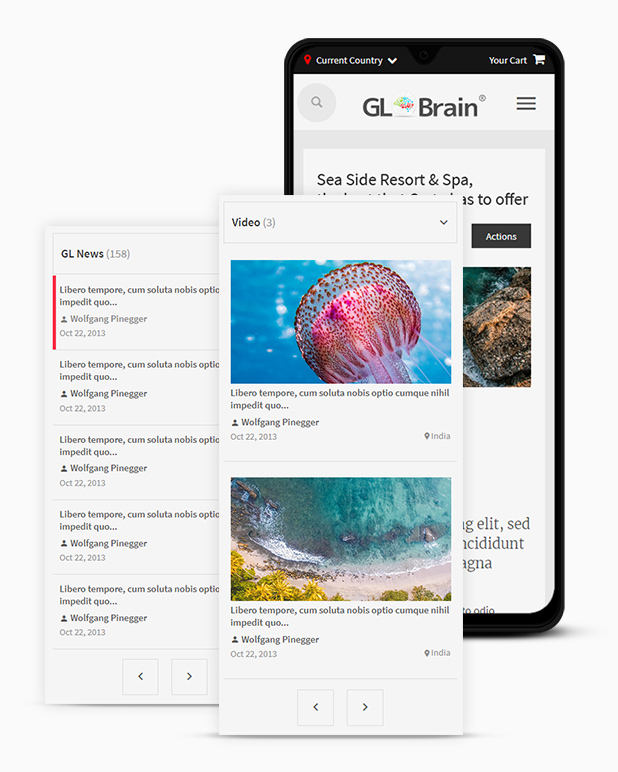
GLNews are any related links found in the internet which any user may publish next to any content on GLBrain. This will keep all content very actual and such GLNews will be shown always as related content next to the content it relates to. A simple format allows easy creation of GLNews. Just enter a title and a link and some optional additional text. The creator is shown with his picture and name as well as time and date of creation. From here one can link to the linked content or the profile page of the creator.
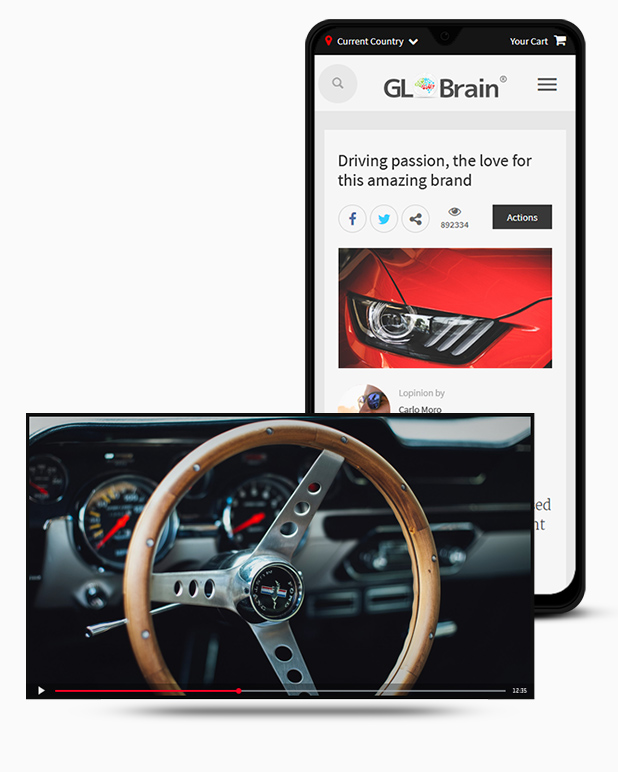
Videos matching all kinds of content may be added by any registered user if they find further interesting information related to a specific GLBrain content in video format. Videos linked from YouTube or Vimeo can be added under the related content section.


